Free QR Code Generator – Create QR Codes Online
Create a QR code quickly with our Free QR Code Generator. Enter text, a URL, email address or phone number and generate a scannable QR code online. You can also customize its size, colors and add a logo.
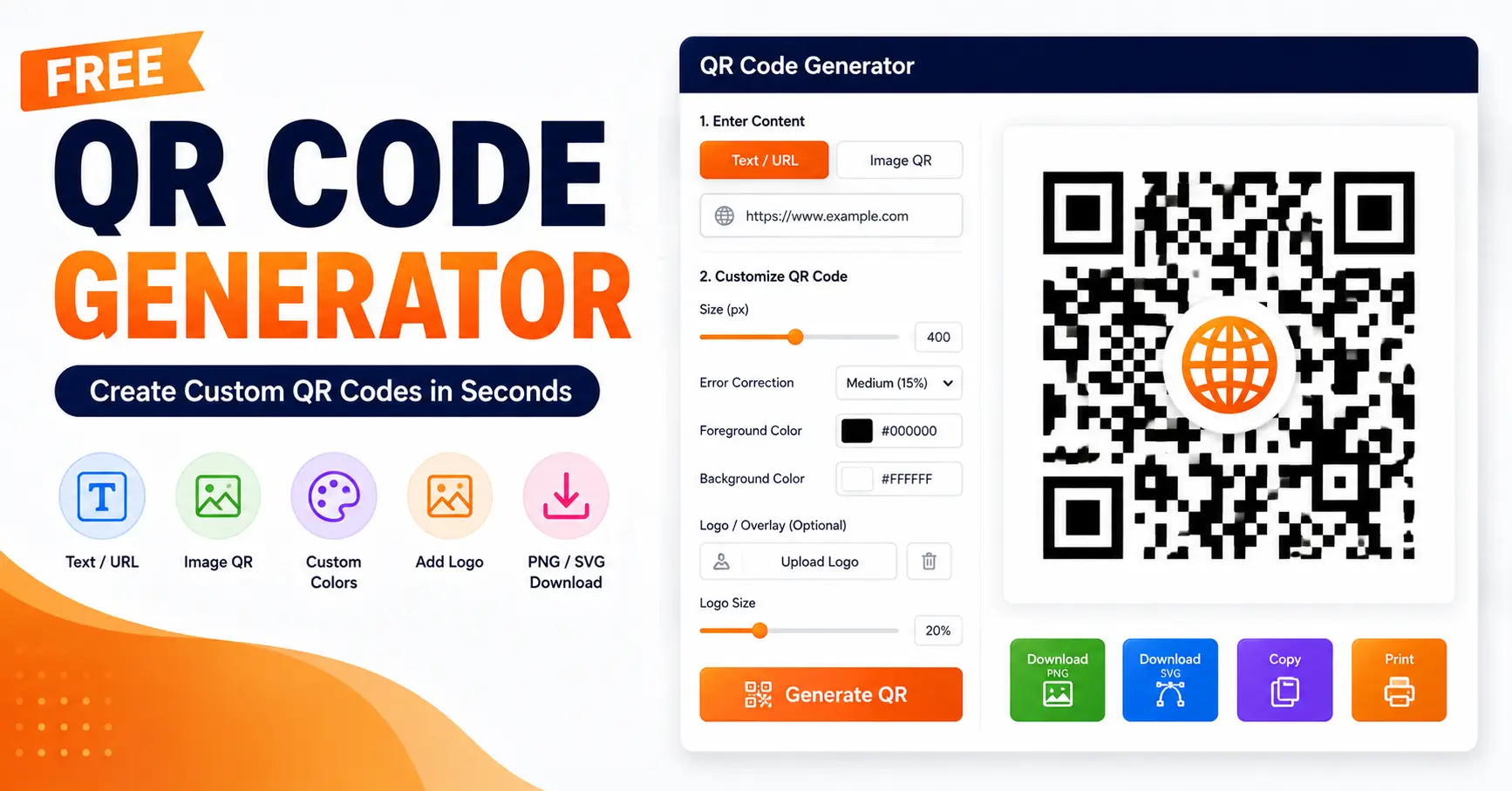
Free QR Code Generator Online
This Free QR Code Generator is designed to make QR code creation simple. Enter the information you want to share, adjust the available settings and click Generate QR.
You can create QR codes for websites, text, email addresses and phone numbers. The tool also provides an Image QR option for creating a QR code from a small uploaded image.
How to Create a QR Code Online?
- Enter your text, URL, email or phone number.
- Choose the QR code size.
- Select an error correction level.
- Choose foreground and background colors.
- Add a logo if required.
- Click Generate QR.
- Download, copy or print your QR code.
Customize Your QR Code
The Free QR Code Generator lets you customize the QR code before downloading it. You can select a size between 100px and 600px and choose from Low, Medium, Quartile or High error correction.
You can also change the foreground and background colors. An optional logo can be uploaded and its size can be adjusted.
Image QR Code Generator
Along with text and URLs, the tool includes an Image QR mode. Upload a small image and the tool prepares it for QR generation. Smaller images are recommended for better QR compatibility.
Download QR Code as PNG or SVG
After generating your QR code, you can download it as a PNG or SVG file. You can also use the Copy option or open the QR code in a printable format.
Why Choose Our Free QR Code Generator?
- Simple and easy-to-use interface.
- Create QR codes for text and URLs.
- Support for email and phone information.
- Image QR generation option.
- Custom QR size and error correction.
- Custom foreground and background colors.
- Optional logo support.
- Download in PNG or SVG format.
- Copy and print options available.
Free QR Code Generator for Business & Personal Use
You can use the Free QR Code Generator for websites, contact information, promotional materials, digital menus, personal projects and other situations where quick access to information is useful.
Use QR Code Generator on Mobile
The responsive tool can also be used from a mobile browser. Enter your content, customize the QR code and download the finished result directly from your phone or tablet.
Frequently Asked Questions
It is an online tool that converts text, URLs and other supported information into scannable QR codes.
Yes. Enter your website URL and click Generate QR to create the code.
Yes. You can upload an optional logo and adjust its size.
Yes. You can customize both the foreground and background colors.
Yes. The generated QR code can be downloaded as PNG or SVG.
Yes. Select Image QR and upload a small image to create an image-based QR code.
Create Your QR Code Online
Use the Free QR Code Generator above to create a QR code in a few simple steps. Enter your content, customize the design, generate the code and download it in your preferred format.
Conclusion
The Free QR Code Generator makes it easy to create custom QR codes for URLs, text, email, phone numbers and supported images. With size, color, error correction and logo options, you can create a QR code according to your needs and download it as PNG or SVG.