PAN Card Photo Resizer – Resize PAN Card Photo Online
Need to resize PAN card photo for your PAN application? Our online PAN Card Photo Resizer helps you crop and resize your photo quickly. You can select NSDL or UTIITSL and prepare your image according to the selected requirements.
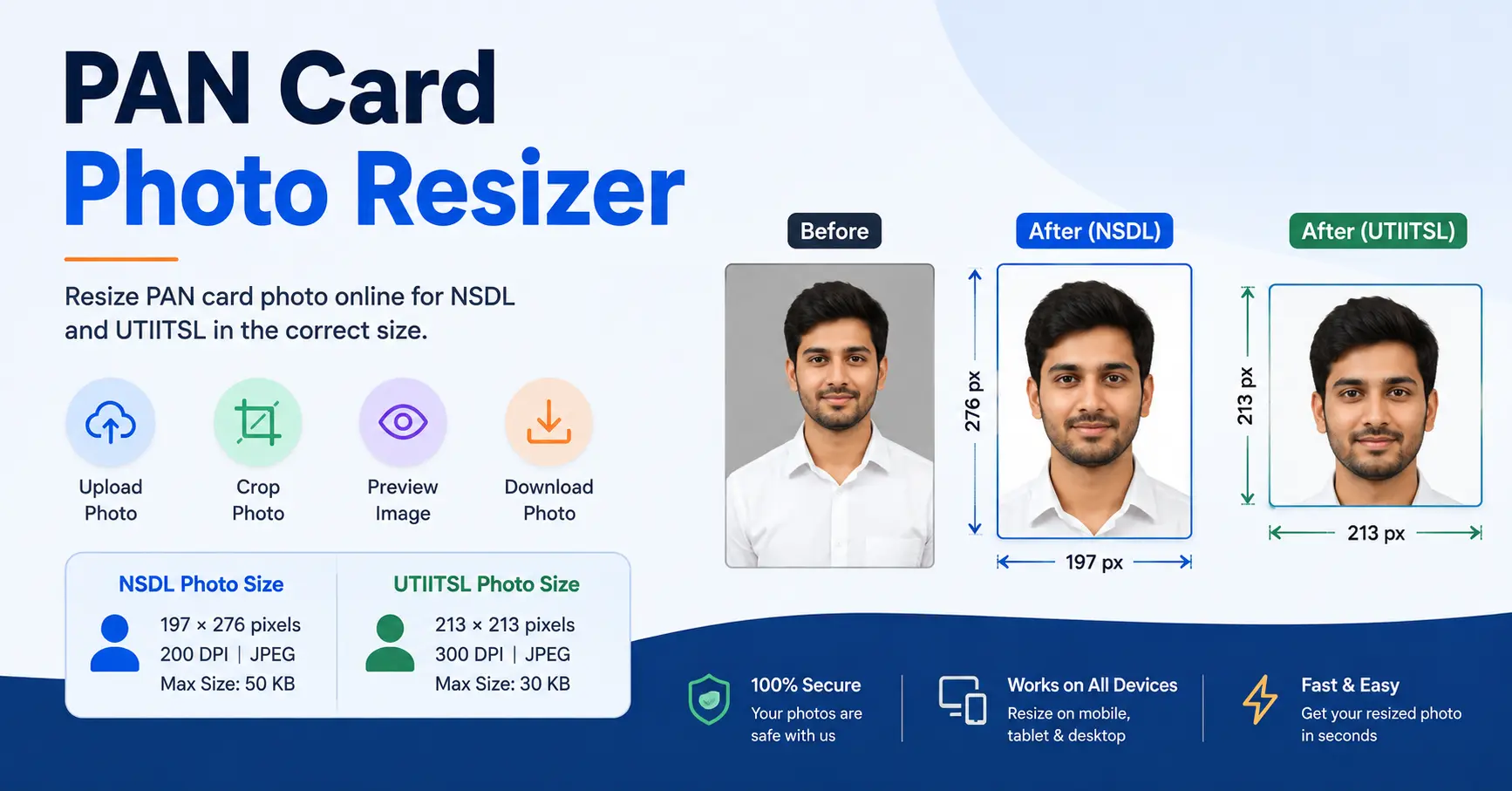
How to Resize PAN Card Photo
- Upload your photo in JPG, JPEG or PNG format.
- Select NSDL or UTIITSL.
- Select Photo or Signature.
- Adjust the crop area.
- Preview and download the resized image.
NSDL PAN Card Photo Resize
For NSDL PAN Card Photo Resize, select NSDL and choose Photo. The tool is configured for 197 × 276 pixels at 200 DPI and JPEG format.
UTI PAN Card Photo Resize
For UTI PAN Card Photo Resize, select UTIITSL and choose Photo. The configured photo size is 213 × 213 pixels at 300 DPI.
PAN Card Photo Requirements
- NSDL Photo: 197 × 276 pixels
- NSDL Resolution: 200 DPI
- UTIITSL Photo: 213 × 213 pixels
- UTIITSL Resolution: 300 DPI
- Format: JPEG
Before submitting your photograph, always check the latest requirements shown by the relevant PAN application portal.
PAN Card Photo Resize on Mobile
You can use the PAN Card Photo Resizer on your mobile browser as well. Upload your image, select the required option, adjust the crop area and download the final photo.
PAN Card Signature Resize
The tool also supports PAN card signature resize. Select Signature after choosing NSDL or UTIITSL to use the corresponding crop dimensions.
Frequently Asked Questions
A PAN Card Photo Resizer is an online tool that helps you crop and resize a photograph for a PAN card application.
Upload your photo, select NSDL or UTIITSL, choose Photo, adjust the crop area and download the resized image.
Select NSDL and Photo, adjust the crop area and download the resized image. The configured NSDL photo size is 197 × 276 pixels.
Select UTIITSL and Photo, adjust the square crop area and download the resized image. The configured size is 213 × 213 pixels.
Yes. The PAN Card Photo Resizer is designed with a responsive interface so it can be used from a mobile browser.
The tool's configured requirements specify JPEG format for both NSDL and UTIITSL photo options.
Yes. Select Signature after choosing NSDL or UTIITSL to prepare the signature using the corresponding crop dimensions.
Resize Your PAN Card Photo Online
Use the PAN Card Photo Resizer above to prepare your image quickly. It can help with PAN card photo resize, NSDL PAN card photo resize and UTI PAN card photo resize in one place.