Drag & Drop Your Image Here
or
Compress Image to 100KB Online
Need to reduce an image to a smaller file size? Our Compress Image to 100KB tool helps you reduce image file size quickly without installing software. Upload a JPG, PNG, or WEBP image, start compression, preview the result, and download the smaller JPG file online.
Free Image Compressor to 100KB
Large images can be difficult to upload when a website, online form, application, or document requires a specific file-size limit. This online image compressor is designed to make the process simple. You can upload an image up to 100MB and compress it toward the 100KB target directly from your browser.
How to Compress Image to 100KB?
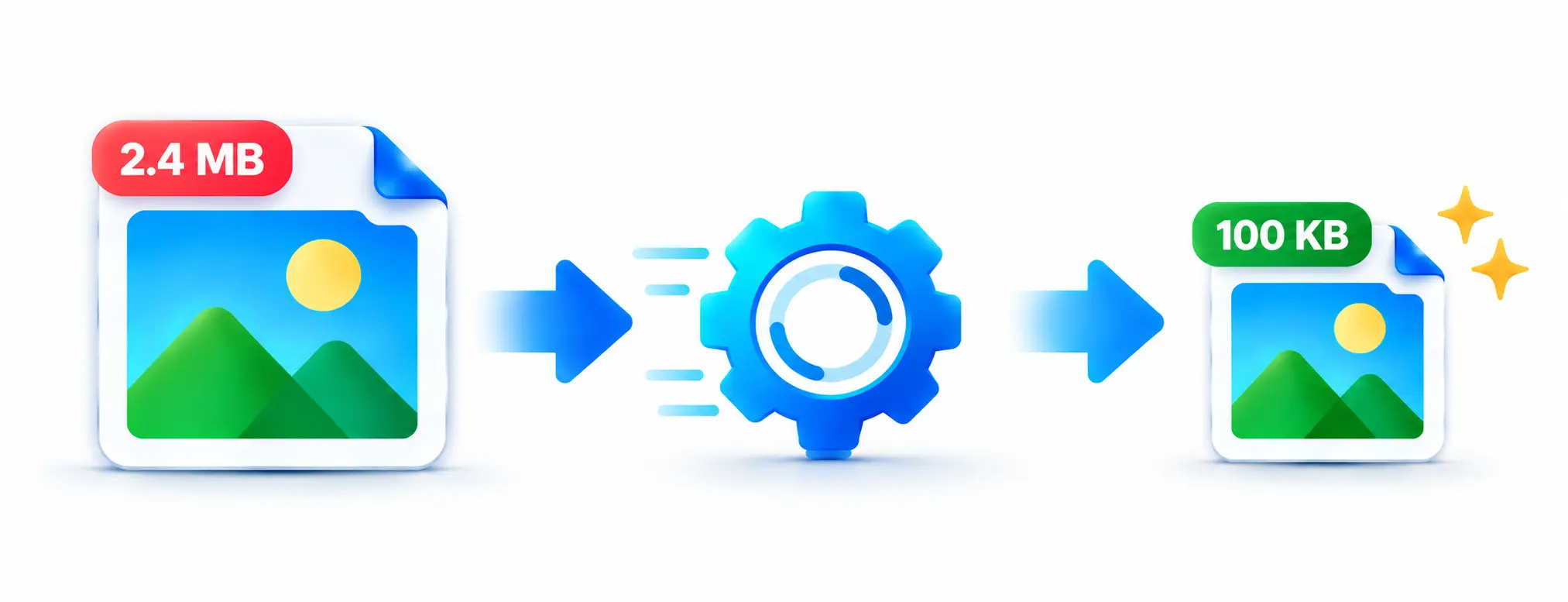
How Does the 100KB Image Compressor Work?
The tool checks the uploaded image and creates a compressed JPEG version while working toward a file size below 100KB. It tests different image dimensions and JPEG quality levels to find a suitable result close to the target. This helps reduce the file size while keeping the image practical for online use.
After processing, you can see the original size and compressed size together with the percentage reduction. The compressed image can then be downloaded directly.
Why Compress an Image to 100KB?
- Meet image upload size requirements.
- Reduce the storage space used by images.
- Make images easier to share online.
- Prepare photos for forms and applications.
- Reduce unnecessary file size before uploading to a website.
Why Choose Our 100KB Image Compressor?
Our Compress Image to 100KB tool keeps the process straightforward. You do not need to install an image-editing application or manually adjust complicated compression settings. Upload your image, start the compression, check the resulting size, and download the processed file.
The tool also provides a preview and size comparison, making it easier to check how much the image has been reduced before using it.
Compress Image to 100KB Without Software
You do not need Photoshop or another desktop image editor for basic file-size reduction. The online compressor provides a simple browser-based workflow, making it useful when you need a smaller image quickly from a computer or mobile device.
Compress Images on Mobile
The responsive interface can also be used on mobile devices. Select an image from your phone, process it toward the 100KB target, preview the compressed result, and download it when ready.
Features of the 100KB Image Compressor
- Compress images toward a 100KB target.
- Supports JPG, PNG and WEBP uploads.
- Accepts images up to 100MB.
- Shows original and compressed file sizes.
- Displays the percentage of size reduction.
- Provides a compressed image preview.
- Download the compressed image as JPG.
- Simple interface for desktop and mobile users.
Useful Image Tools
If your image needs more than compression, you can also use our Image Resizer to change its dimensions. For format conversion, try our PNG to JPG tool when you need a JPG version of a PNG image.
Who Can Use This 100KB Image Compressor?
This tool can be useful for students, job applicants, website owners, bloggers, photographers, and anyone who needs to reduce an image for an online form or upload requirement. It is especially helpful when a website specifies a maximum image size such as 100KB.
Frequently Asked Questions
Conclusion
When an image is too large for an online upload, reducing it to a smaller file size can make the process much easier. Our Compress Image to 100KB tool provides a quick way to reduce image size, preview the result, compare file sizes, and download the compressed image without installing additional software.