Drag & Drop Your Image Here
or
Compress Image to 200KB Online
Need to make a large photo smaller for an upload, application, website or online form? Our Compress Image to 200KB tool helps reduce image file size quickly from your browser. Upload your image, start compression, check the new file size and download the smaller JPG without using complicated editing software.
Free Image Compressor to 200KB
Large photos often contain more data than an online service actually needs. Compressing an image can make it easier to upload, share and store while reducing the amount of unnecessary file data.
This tool accepts image files such as JPG, PNG and WEBP, with an input limit of up to 100MB. :contentReference[oaicite:2]{index=2}
How to Compress an Image to 200KB?
How Does the 200KB Image Compressor Work?
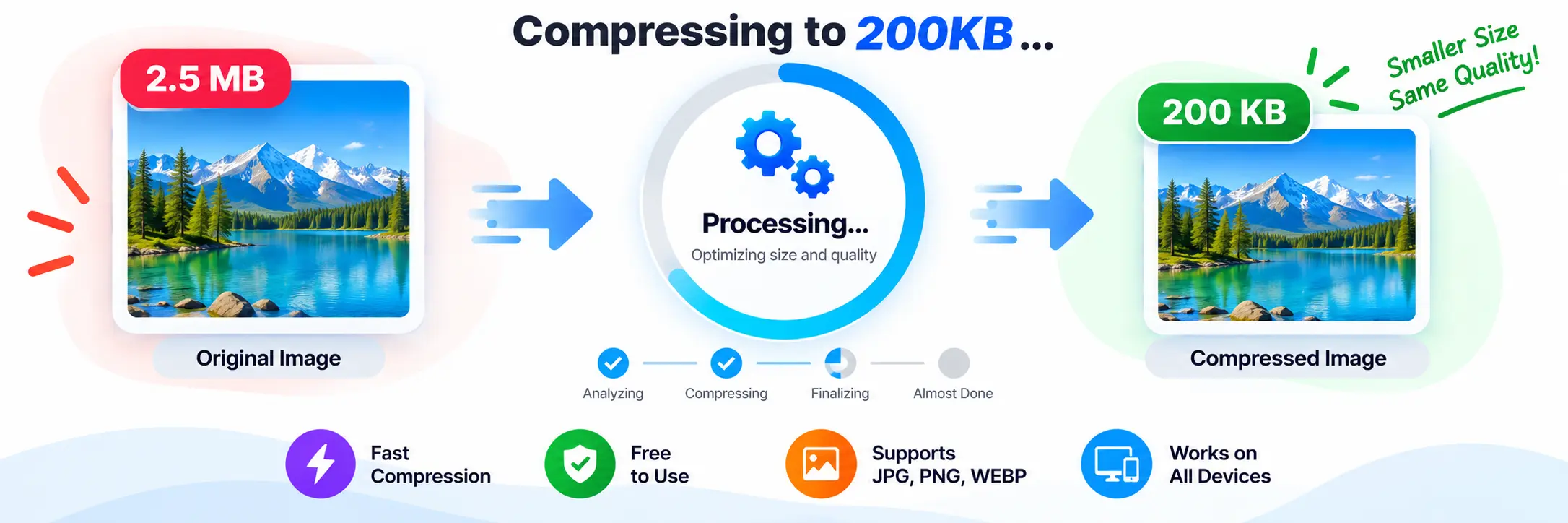
The compressor does not depend on a single fixed quality setting. It checks different image scales and JPEG quality levels to find a suitable result below the 200KB target. This approach helps the tool balance dimensions and compression when reducing larger images.
The tool searches through multiple scales and uses JPEG output while looking for the largest suitable file that remains below the target. :contentReference[oaicite:3]{index=3}
Why Compress an Image to 200KB?
- Meet image upload size requirements.
- Prepare photos for online applications and forms.
- Make images easier to upload and share.
- Reduce storage requirements for image files.
- Create smaller images for websites and online services.
Why Choose Our 200KB Image Compressor?
Reducing an image to a specific size can take several attempts when done manually. This tool handles the compression process automatically and works toward the 200KB limit, saving you from repeatedly changing image dimensions and quality settings.
Once processing is complete, you can compare the original and compressed sizes and see the percentage reduction before downloading the result. :contentReference[oaicite:4]{index=4}
Compress JPG, PNG and WEBP Online
You can upload JPG, PNG or WEBP images and use the same simple workflow. The resulting compressed image is generated as a JPG file, making it convenient for services that commonly accept the JPEG format.
Compress Image to 200KB Without Software
You do not need a professional photo editor for basic file-size reduction. Everything happens through the browser: select an image, start compression, review the result and download the compressed file.
Image Compression for Forms and Applications
Many online forms specify a maximum image size for photographs, documents or profile images. When a file is larger than the allowed limit, reducing it before uploading can help avoid file-size errors.
A 200KB target can be useful when a service allows relatively small images but does not require an extremely tiny file. The right amount of compression depends on the original image and its level of detail.
Useful Image Tools
Need to change the dimensions of your image as well? Try our Image Resizer for resizing images online.
If you need to change the image format instead, you can also use our PNG to JPG Converter to convert PNG images into JPG format.
Features of the 200KB Image Compressor
- 200KB compression target.
- Works toward a result under 200KB.
- Supports JPG, PNG and WEBP images.
- Accepts images up to 100MB.
- Automatically adjusts image scale and JPEG quality.
- Shows original image size.
- Shows compressed image size.
- Displays percentage reduction.
- Provides a preview of the compressed image.
- Downloads the final image as JPG.
Does Compression Reduce Image Quality?
Some visual change can occur when an image is compressed heavily. The amount depends on the original image, its dimensions, details and how much reduction is required. A larger original image may need more adjustment to reach a small target.
For everyday uploads, the goal is to find a practical balance between file size and visual appearance rather than simply making the file as small as possible.
Frequently Asked Questions
Conclusion
When an image is too large for an upload limit, Compress Image to 200KB provides a straightforward way to reduce its file size. Upload your image, let the tool work toward the target, review the new size and download the compressed JPG when it is ready.