JPG to PDF Converter – Convert JPG Images to PDF Online
Looking for a simple JPG to PDF Converter? Use our online tool to convert JPG, JPEG and other supported image files into a PDF. Upload your images, arrange your files and convert them into a PDF in just a few clicks.
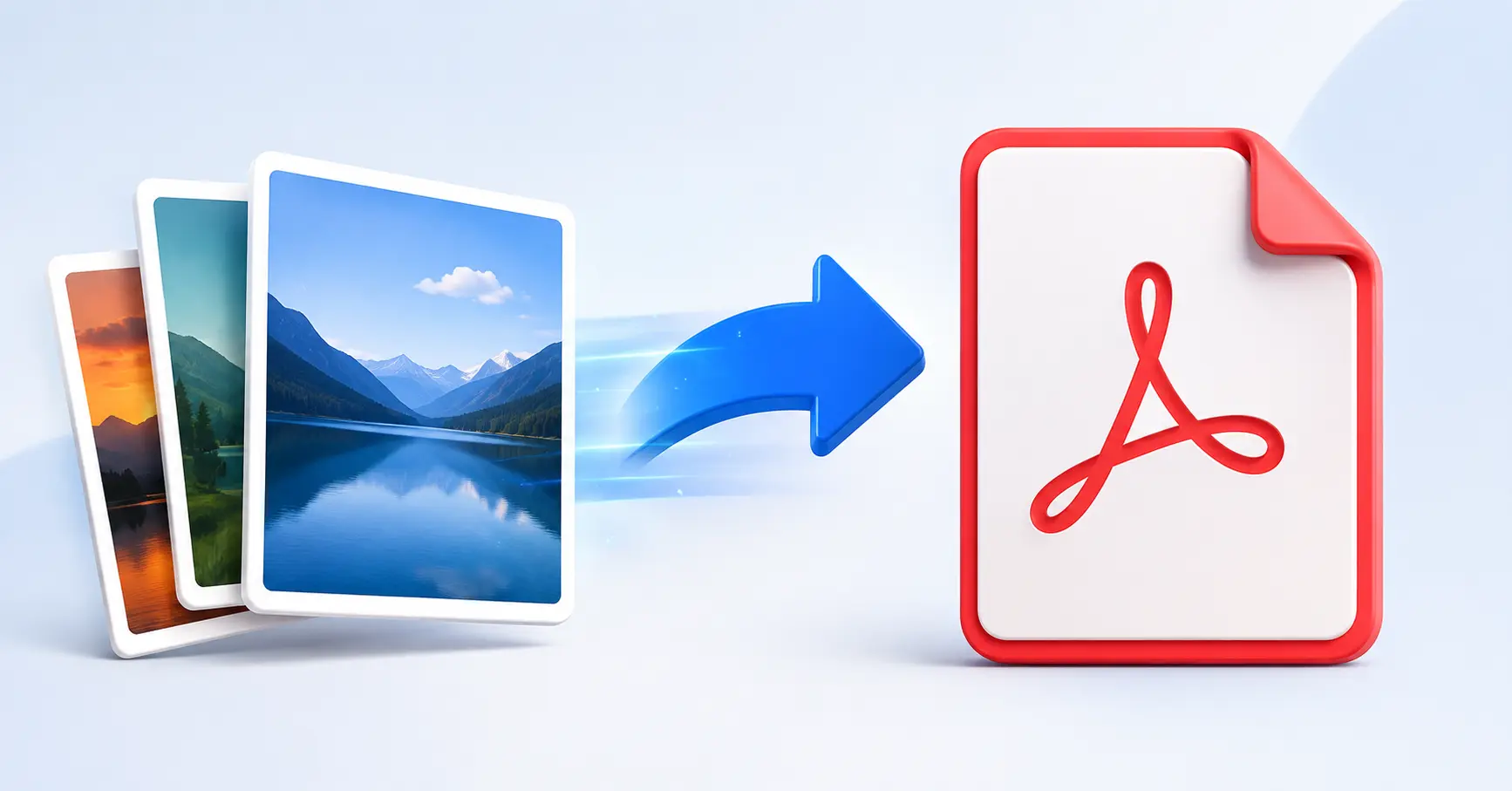
Free JPG to PDF Converter
This JPG to PDF Converter lets you convert image files directly from your browser. You can upload multiple images and combine them into a single PDF file instead of converting each image separately.
The tool supports JPG, JPEG, PNG, WEBP, GIF and BMP image files. You can upload up to 20 images, with a maximum file size of 10 MB per file.
How to Convert JPG to PDF
- Click Browse Files or drag and drop your images.
- Review the uploaded images and file names.
- Remove any unwanted image if required.
- Click Convert to PDF.
- Wait for the PDF to be generated.
- Click Download PDF to save the file.
Convert Multiple JPG Images to One PDF
If you have several JPG images, you can upload them together and convert them into one PDF. This is useful for combining scanned documents, photos, pages or other image files into a single document.
JPG to PDF Online Without Software
You do not need to install a separate PDF converter program for basic image-to-PDF conversion. The JPG to PDF online tool works directly in your browser and provides upload, conversion and download options in one place.
Supported Image Formats
- JPG
- JPEG
- PNG
- WEBP
- GIF
- BMP
Each uploaded file is shown with a thumbnail, file name and file size, making it easier to review your images before conversion.
Why Use a JPG to PDF Converter?
- Quickly convert JPG images into PDF.
- Combine multiple images into one PDF.
- Supports up to 20 images at a time.
- Simple drag-and-drop upload.
- Preview uploaded image files before conversion.
- Download the generated PDF directly.
JPG to PDF Converter on Mobile
You can also use the JPG to PDF Converter from a mobile browser. Upload your JPG images, review the file list, convert them to PDF and download the finished document.
Frequently Asked Questions
A JPG to PDF Converter is an online tool that converts JPG and other supported image files into a PDF document.
Upload your JPG images, review the files, click Convert to PDF and then download the generated PDF.
Yes. You can upload multiple supported images and combine them into a single PDF document.
The tool allows up to 20 image files to be uploaded at one time. Each file can be up to 10 MB.
The tool supports JPG, JPEG, PNG, WEBP, GIF and BMP image files.
Yes. The converter has a responsive interface and can be used from a mobile browser.
After conversion is complete, click the Download PDF button to save the generated PDF file.
Convert JPG to PDF Online
Use the JPG to PDF Converter above to quickly turn your images into a PDF. Upload one or multiple images, convert them and download your PDF without complicated software.