Drag & Drop Your JPG Image Here
or
JPG to HEIC Converter – Convert JPG to HEIC Online
Our JPG to HEIC Converter lets you convert JPG and JPEG images into HEIC format online. Simply upload your image, start the conversion, preview the result and download the converted HEIC file. No complicated image editing software is required.
Free JPG to HEIC Converter Online
If you have a JPG image and need it in HEIC format, this online converter provides a simple solution. You can upload a JPG or JPEG file, convert it to HEIC and download the finished file directly from the tool.
The converter accepts JPG/JPEG images up to 10 MB according to the current API limit. :contentReference[oaicite:2]{index=2}
How to Convert JPG to HEIC?
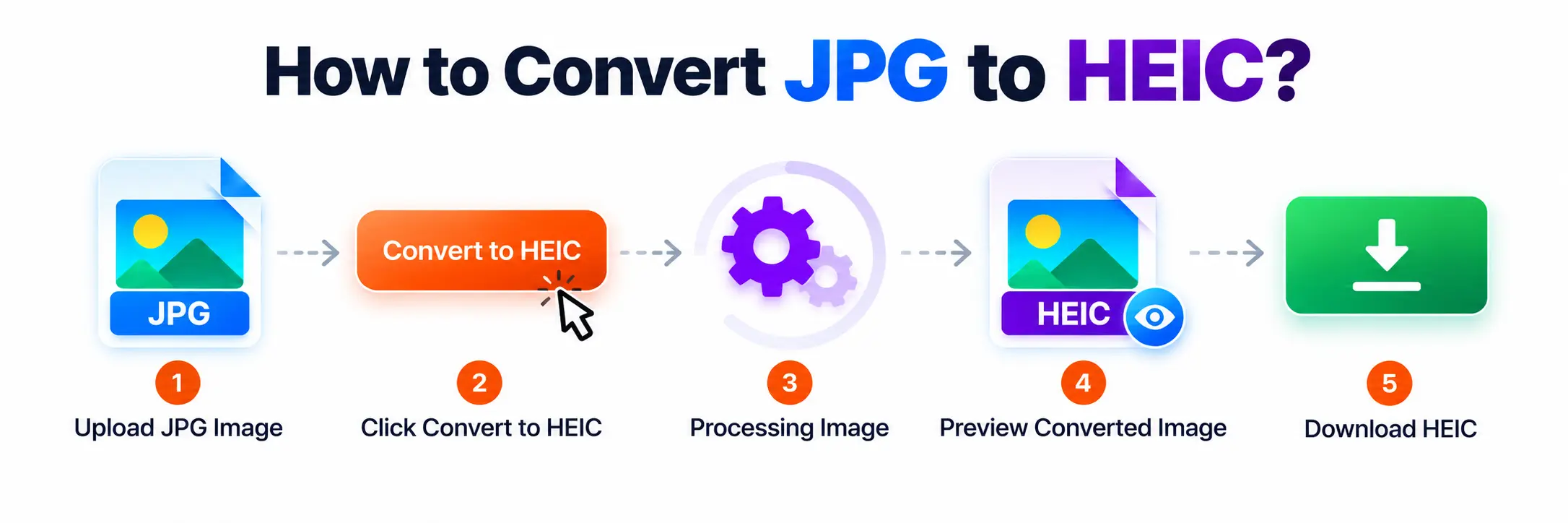
You can convert JPG to HEIC in a few simple steps:
- Upload your JPG or JPEG image.
- Click the Convert to HEIC button.
- Wait while the image is processed.
- Check the converted HEIC preview.
- Click Download HEIC to save the file.
How Does the JPG to HEIC Converter Work?
After you upload a JPG image, the converter reads the selected file and sends it to the conversion service. Once processing is completed, the resulting HEIC file is loaded for preview and becomes available for download.
The tool also displays the converted image dimensions and file size before you download the result. :contentReference[oaicite:3]{index=3}
Why Convert JPG to HEIC?
HEIC is a modern image format commonly associated with newer photo workflows and devices. Converting an existing JPG to HEIC can be useful when a website, application or device specifically requires or supports HEIC images.
Features of the JPG to HEIC Converter
- Supports JPG and JPEG images.
- Maximum file size of 10 MB.
- Converts JPG images to HEIC format.
- Shows the converted image preview.
- Displays converted image dimensions and file size.
- Provides a direct HEIC download option.
- Works through a simple online interface.
Convert JPG to HEIC Without Software
You do not need a separate desktop image editor for a basic JPG to HEIC conversion. Upload your JPG image through the online tool, start the conversion and download the resulting HEIC file when processing is complete.
Can I Convert JPG to HEIC on Mobile?
Yes. The converter can be accessed through a modern mobile browser. Select a JPG image from your phone, convert it to HEIC and download the converted file when it is ready.
Frequently Asked Questions
Conclusion
The JPG to HEIC Converter provides a quick and simple way to convert JPG images into HEIC format online. Upload your image, start the conversion, preview the result and download your HEIC file in just a few steps.