Drag & Drop Your Image Here
or
HD Image Converter – Convert Images Online
Need to convert an image to a different format? This HD Image Converter provides a simple way to convert your images online without complicated editing software. Upload an image, choose the format you need, and download the converted file in just a few clicks.
If you are looking for an HD Image Converter Free option, this tool makes image conversion quick and easy. You can choose from several popular image formats and preview the converted image before downloading it.
Free Image Converter for Different Formats
This Free Image Converter supports several image formats, making it useful when you need to prepare an image for a website, document, application, social media, or another platform.
- Convert images directly in your browser
- Choose from multiple output formats
- Preview the converted image before downloading
- Keep the original image dimensions during conversion
- Download the converted image with one click
- Works on desktop, tablet, and mobile devices
How to Convert an Image Online
Converting an image is easy. Follow these simple steps to change your image format.
Upload Your Image
Click Browse Files or drag and drop an image into the upload area. The tool will load your image and show its file information.
Choose an Output Format
Select the format you want from the available options, such as JPEG, JPG, PNG, WEBP, GIF, BMP, TIFF, ICO, or AVIF.
Click Convert
After selecting your preferred format, click the Convert button to start the conversion.
Preview Your Image
Once the conversion is complete, you can view the converted image and check its dimensions and file size.
Download the Converted Image
If the result looks good, click Download to save the converted image to your device.
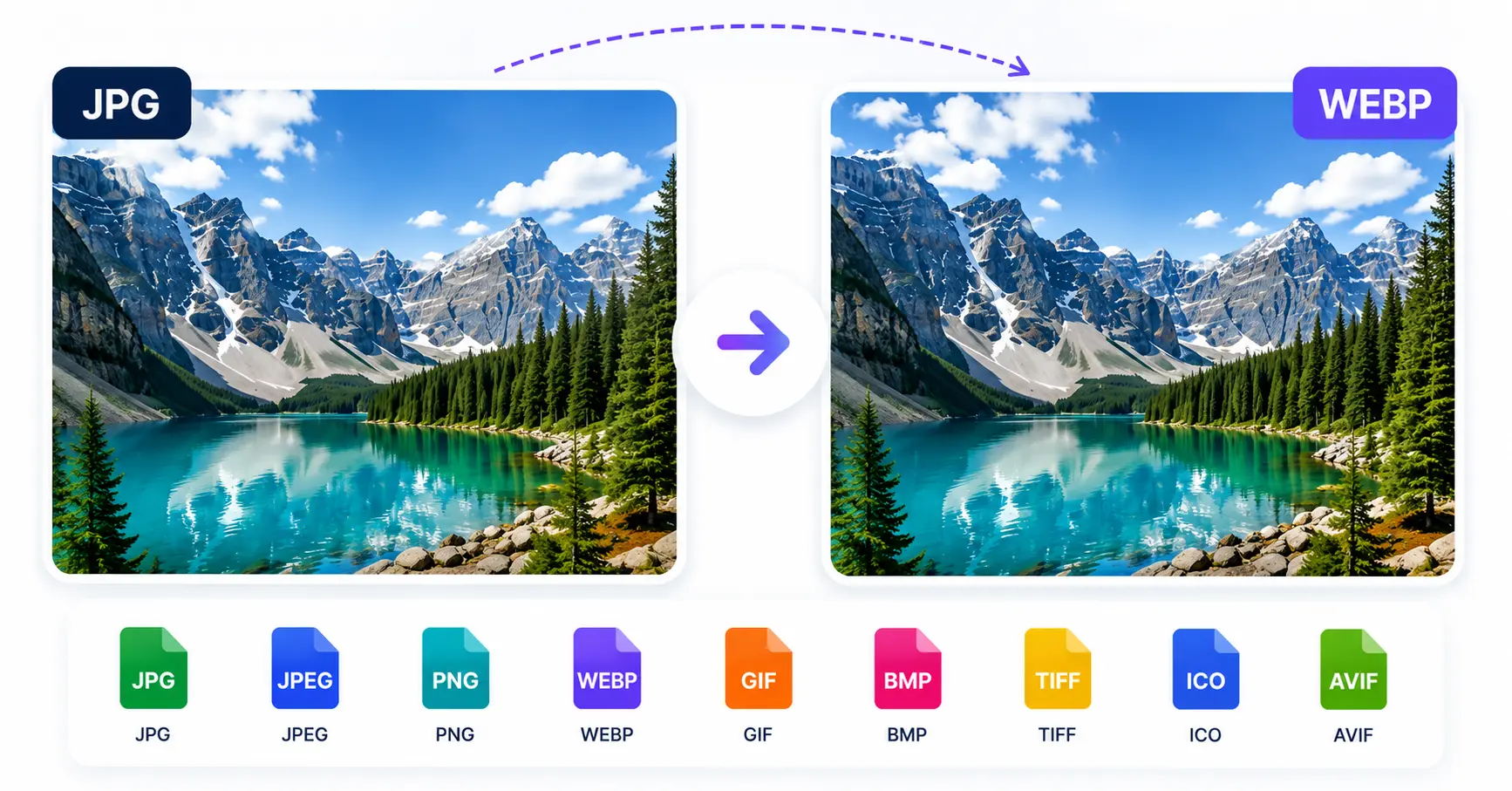
Convert your image to the format you need and download it instantly.
Supported Image Formats
The converter provides a range of output format options. Choose the format that best suits your intended use.
Useful for photographs and everyday images.
Useful when you need PNG image output.
A modern image format commonly used online.
Available as an output format in the converter.
Convert your image to BMP format when required.
Choose TIFF when this format is required.
Useful when you need an ICO image file.
Convert your image to the AVIF format.
Why Convert an Image to Another Format?
Different websites, applications, and devices may require different image formats. Converting an image can help you create a file that matches the format required by a particular platform or workflow.
For example, you may need a JPG version for one application, a PNG version for another project, or a WEBP version for an online page. Instead of installing image editing software, you can use this Free Image Converter directly in your browser.
Does Image Conversion Reduce Quality?
Image quality can depend on the source image, selected format, and how that format stores image data. For the best result, choose an output format that matches how you plan to use the image.
You can preview the converted result before downloading it, so you can check the output before saving the file.
Frequently Asked Questions
What is an HD Image Converter?
An HD Image Converter is an online tool that lets you convert an image from its original format into another supported image format.
Is this HD Image Converter Free?
Yes. You can use this HD Image Converter Free to convert images online without installing image conversion software.
Can I use the Free Image Converter on mobile?
Yes. The converter is designed to work on desktop, tablet, and mobile screens.
Which image formats are supported?
The available output formats include JPEG, JPG, PNG, WEBP, GIF, BMP, TIFF, ICO, and AVIF.
Can I preview the converted image?
Yes. After conversion, the tool displays a preview of the converted image along with its dimensions and file size.
How do I download the converted image?
After the conversion is completed, click the Download button below the preview to save the converted file.
Convert Your Images Online
This HD Image Converter gives you a simple way to change image formats directly in your browser. Upload your image, select the format you need, convert it, preview the result, and download the finished file.
Whether you need a Free Image Converter for a quick format change or an easy HD Image Converter Free solution for everyday image tasks, you can start by uploading your image above.