QuillBot Word Counter Online – Free Word Counter
Looking for a QuillBot word counter online to check the length of your content? Our free word counter helps you instantly count words, characters and sentences. Simply type or paste your text into the tool above and get the results instantly.
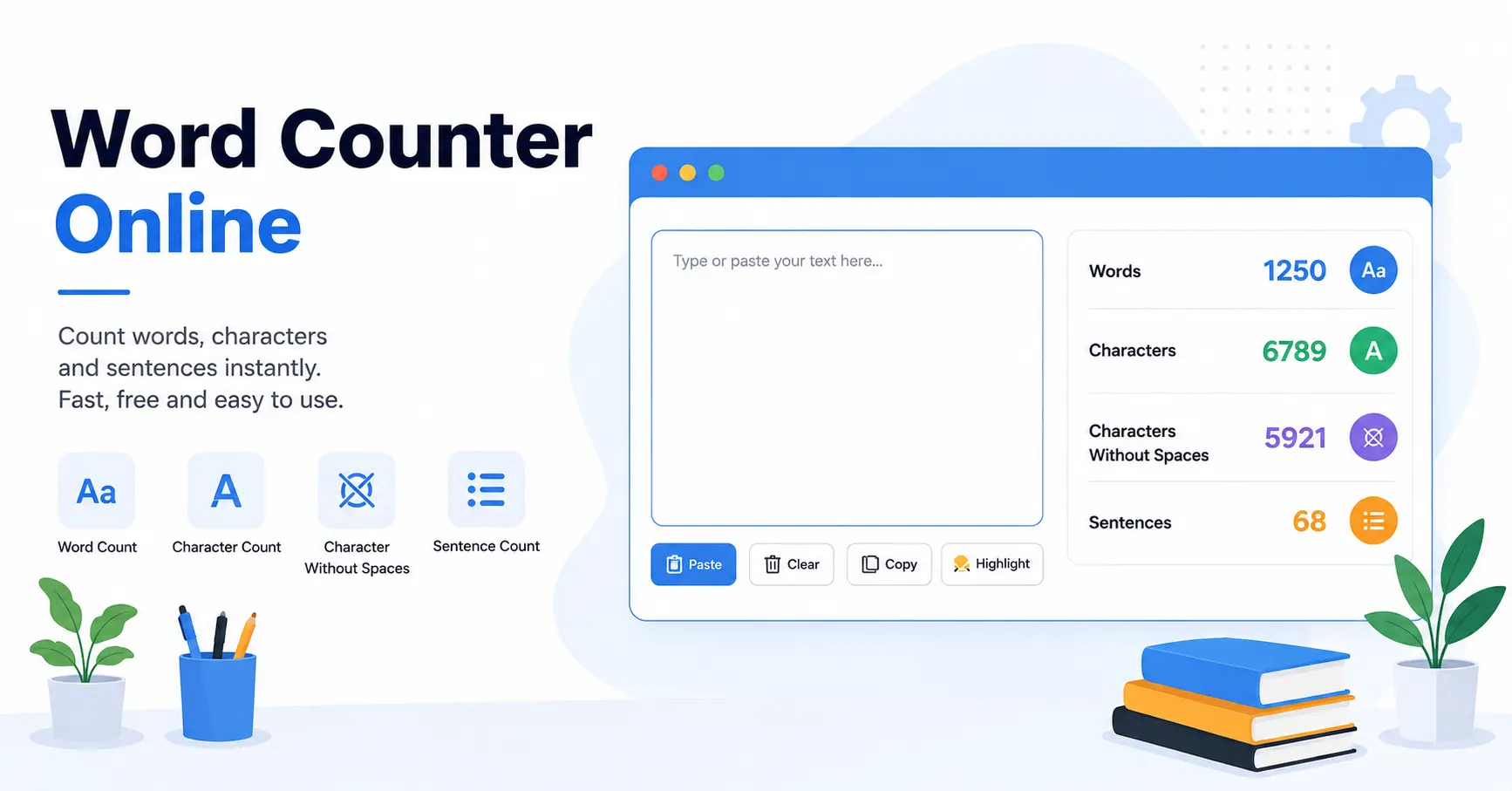
Free Word Counter Online
This word counter online tool is useful for students, writers, bloggers, content creators and anyone who needs to check the length of written content.
You can see the total number of words, characters, characters without spaces and sentences. The results update automatically as you type or paste your content.
What Does the Word Counter Show?
- Words: Total number of words in your text.
- Characters: Total characters including spaces.
- Characters Without Spaces: Characters excluding spaces.
- Sentences: Approximate number of sentences.
Word Counter Online for Students & Writers
A word counter is especially useful when your assignment, essay, article or other content has a specific word limit. Instead of counting words manually, simply paste your content into the tool and check the result.
QuillBot Word Counter Online Alternative
If you are searching for a QuillBot word counter online, you can also use this simple online tool to check your content length. It focuses on essential word and character counting features.
Type directly into the text box or paste existing content to instantly see your word and character count.
Count Words in Your Text
You can also upload supported files and extract text for counting. The tool supports formats such as TXT, PDF, DOCX and common image files. The upload interface accepts files up to 10 MB.
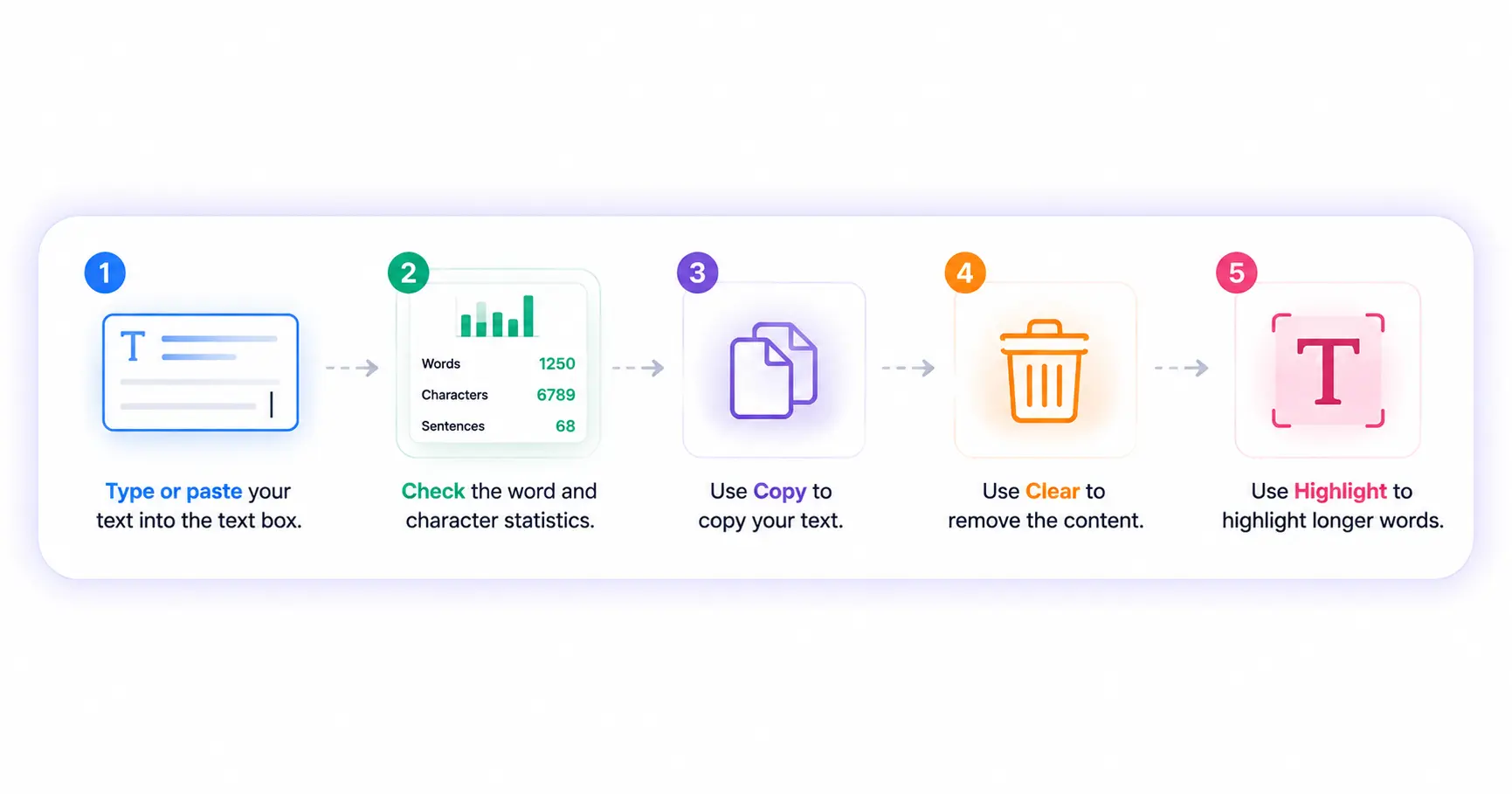
How to Use Word Counter Online
- Type or paste your text into the text box.
- Check the word and character statistics.
- Use Copy to copy your text.
- Use Clear to remove the content.
- Use Highlight to highlight longer words.
Why Use an Online Word Counter?
- Fast and easy to use.
- Counts words and characters instantly.
- Useful for essays, articles and assignments.
- Works directly in your browser.
- Supports typing and pasting text.
- Helps you stay within a required word limit.
Frequently Asked Questions
A QuillBot word counter online is a tool used to check the number of words and characters in written content. You can also use a dedicated online word counter to perform these basic checks.
Type or paste your content into the word counter. The total number of words, characters and sentences will be displayed automatically.
Yes. The tool shows total characters as well as characters without spaces, along with the word and sentence counts.
Yes. If your main requirement is checking word and character counts, you can use this free online word counter directly in your browser.
Yes. Paste your content directly into the text area and the word and character counts will update automatically.
Yes. Students can use the tool to check essay length and make sure their assignment stays within the required word limit.
Yes. The tool provides file upload functionality for supported formats and can display extracted text for counting.
Start Counting Words Online
Use the QuillBot Word Counter Online alternative above to check your words, characters and sentences instantly. Simply type or paste your content and get the results without manually counting anything.