PDF Password Remover Online – Unlock Your PDF Easily
If you have a password-protected PDF that you are authorized to access but need to use without repeatedly entering the password, a PDF Password Remover Online can make the process easier. Upload your PDF, provide the password when required, and create a new unlocked copy that you can download.
Free PDF Password Remover Online
Our online PDF password remover is designed for simple and convenient PDF unlocking. It accepts PDF files and provides an easy workflow for creating an unlocked copy. You can upload a file by browsing or dragging it into the tool.
How to Remove Password from PDF?
Using the PDF Password Remover Online is straightforward. Start by selecting the PDF file you are authorized to unlock. The tool checks whether the document can be opened without a password. If a password is required, you can enter the correct password and continue.
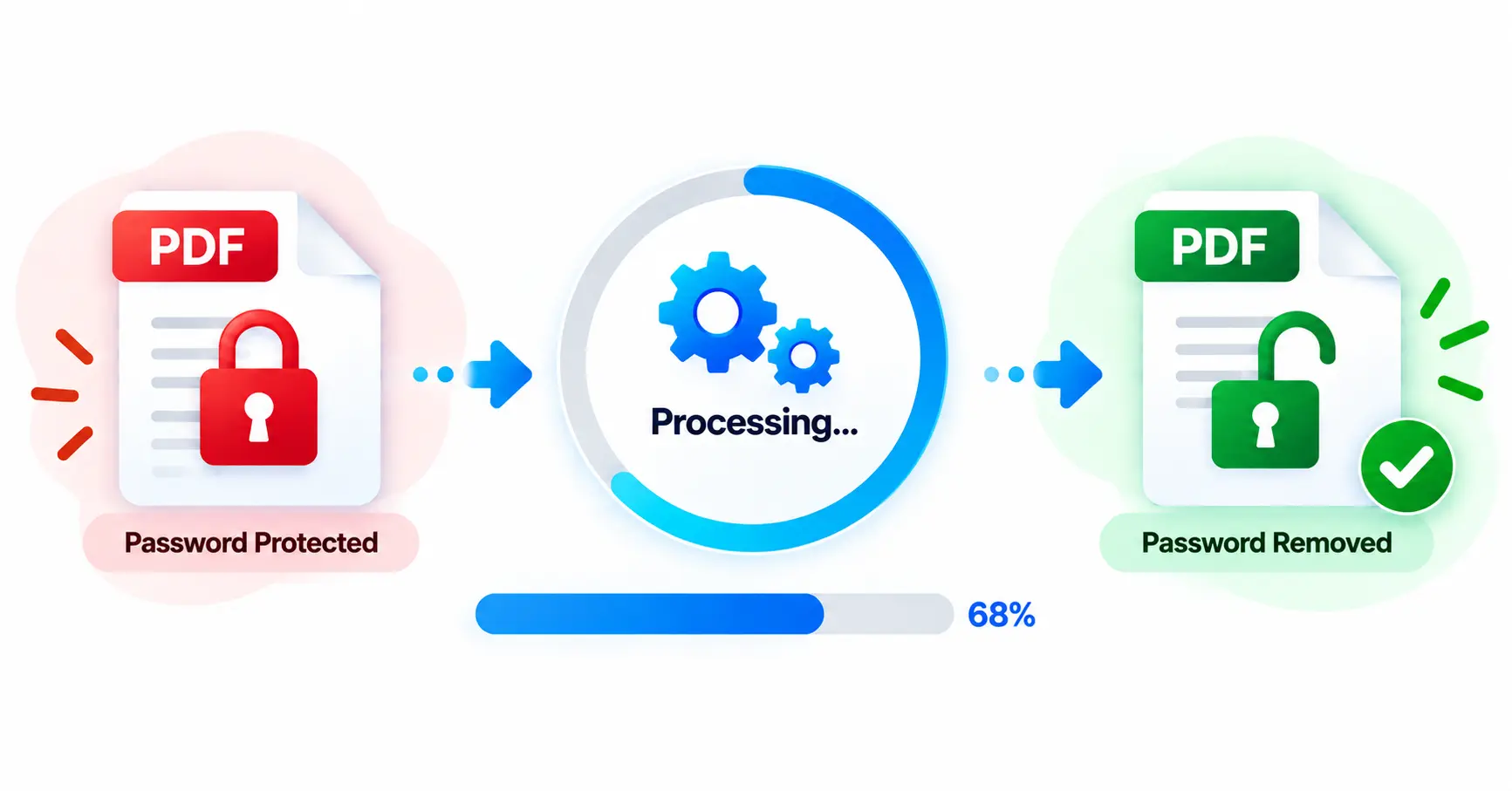
- Upload your password-protected PDF.
- Let the tool process the document.
- If requested, enter the correct PDF password.
- Click the unlock/remove button.
- Download the newly unlocked PDF.
How Does the PDF Password Remover Work?
The tool first attempts to open the uploaded PDF. If the document requires a password, it provides a password field where the authorized user can enter the correct password. Once the PDF is successfully opened, the pages are processed into a new PDF copy without the original access restriction.
A progress indicator shows the processing status, including page-by-page processing for larger documents. After completion, the new PDF becomes available for download.
Why Use a PDF Password Remover Online?
Password protection is useful when sharing sensitive documents, but repeatedly entering a password can become inconvenient when you regularly work with the same authorized file. Creating an unlocked working copy can simplify everyday document management.
- Access your authorized PDF more conveniently.
- Create a separate unlocked copy for regular use.
- Save time when working with frequently opened documents.
- Use the resulting PDF without repeatedly entering the password.
- Download the processed document when the operation is complete.
Why Choose Our PDF Password Remover Online?
- Simple interface: Upload and process your PDF without complicated settings.
- Password support: Enter the correct password when the document requires one.
- Progress feedback: See the processing progress while the PDF is being handled.
- Download option: Save the unlocked PDF after successful processing.
- Mobile friendly: The interface works across desktop and mobile screens.
PDF Password Remover Without Software
You do not need a dedicated desktop PDF application for a simple unlocking task. An online PDF password remover can be useful when you are working from a browser and want a straightforward way to create an unlocked copy of an authorized document.
PDF Password Remover on Mobile
The responsive interface makes the tool convenient on smartphones and tablets as well. Select the PDF from your device, enter the correct password if required, and download the resulting file after processing.
Supported PDF Files
The tool is designed specifically for PDF documents and accepts files up to 50 MB. You can select a file through the browser or drag and drop it into the upload area.
What Happens After Unlocking?
After successful processing, the tool creates a new PDF with an -unlocked.pdf filename. The result section displays the processed file size and provides a download option. A share option is also available where supported by the device and browser.
Frequently Asked Questions
Conclusion
A PDF Password Remover Online can make authorized PDF documents easier to manage when password protection becomes inconvenient. Upload your PDF, provide the correct password when required, process the document, and download the unlocked copy in a few simple steps.