Compress PDF to 150KB Online Free
If you need to submit a PDF with a specific file-size limit, reducing the document can be difficult with normal PDF software. Our Compress PDF to 150KB Online Free tool helps you reduce a PDF toward a 150KB target directly from your browser.
Select your file
Start processing
Compare the result
Save your PDF
Free PDF Compressor to 150KB
A large PDF may not be accepted by websites that have strict upload requirements. Instead of installing a desktop application, you can use an online compressor to reduce the document toward the required size.
This tool is useful when you need a smaller PDF for applications, online forms, document submissions, email attachments and other file-upload requirements.
How to Compress PDF to 150KB?
Reducing your PDF takes only a few simple steps:
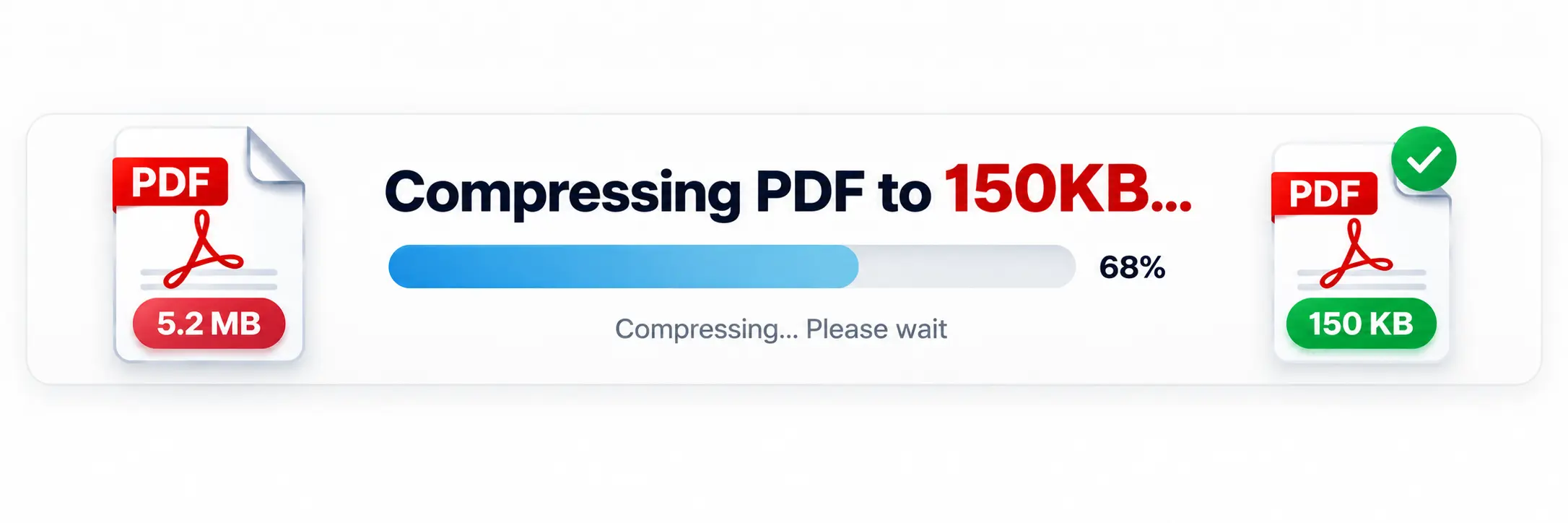
- Upload your PDF using the Browse Files button or drag-and-drop area.
- Click Compress to 150KB.
- Wait while the document is processed.
- Check the original and compressed file sizes.
- Download the compressed PDF.
How Does the 150KB PDF Compressor Work?
The compressor reads the pages of your PDF and creates smaller versions using different rendering scales and image-quality settings. It tests multiple combinations and selects the largest result that remains at or below the 150KB target whenever possible.
This approach helps balance file size and readability instead of simply applying one fixed compression setting to every document.
Can a PDF Always Be Compressed Exactly to 150KB?
Not necessarily. The final size depends on the original PDF, its number of pages, images and other content. The tool aims for the 150KB target, but some documents may finish slightly below or above that size.
If your original PDF is already 150KB or smaller, the tool can keep the existing file rather than unnecessarily reducing it further.
Why Compress a PDF to 150KB?
- Meet PDF upload size restrictions.
- Submit documents on online application forms.
- Reduce the size of email attachments.
- Make scanned documents easier to share.
- Save storage space.
- Upload files faster on slower connections.
Why Choose Our 150KB PDF Compressor?
- 150KB Target: Designed specifically around a 150KB file-size goal.
- Simple Interface: Upload and compress without complicated settings.
- Browser Based: No desktop PDF software is required.
- Size Comparison: See the original and compressed file sizes.
- Reduction Details: View how much smaller your PDF became.
- Easy Download: Download the processed PDF directly after compression.
Features of the 150KB PDF Compressor
The tool accepts PDF files up to 10MB and provides a dedicated 150KB compression target. After processing, you can see the original size, compressed size and percentage reduction before downloading the result.
Compress PDF to 150KB Without Software
You do not need to install a separate PDF compression application. Open the tool in a modern browser, upload your document and start the compression process. This makes it convenient when you are working from a computer, tablet or mobile device.
Useful PDF Tools
Need to do more with your documents? You can use our PDF Merger to combine PDF files, PDF Splitter to separate pages, JPG to PDF to create PDFs from images, or PDF to JPG when you need to convert PDF pages into images.
Frequently Asked Questions
Conclusion
If you need to compress PDF to 150KB online free, this tool provides a straightforward way to reduce your document toward the required file size. Upload your PDF, start compression, check the final size and download the result when it is ready.