Compress PDF to 50KB Online Free
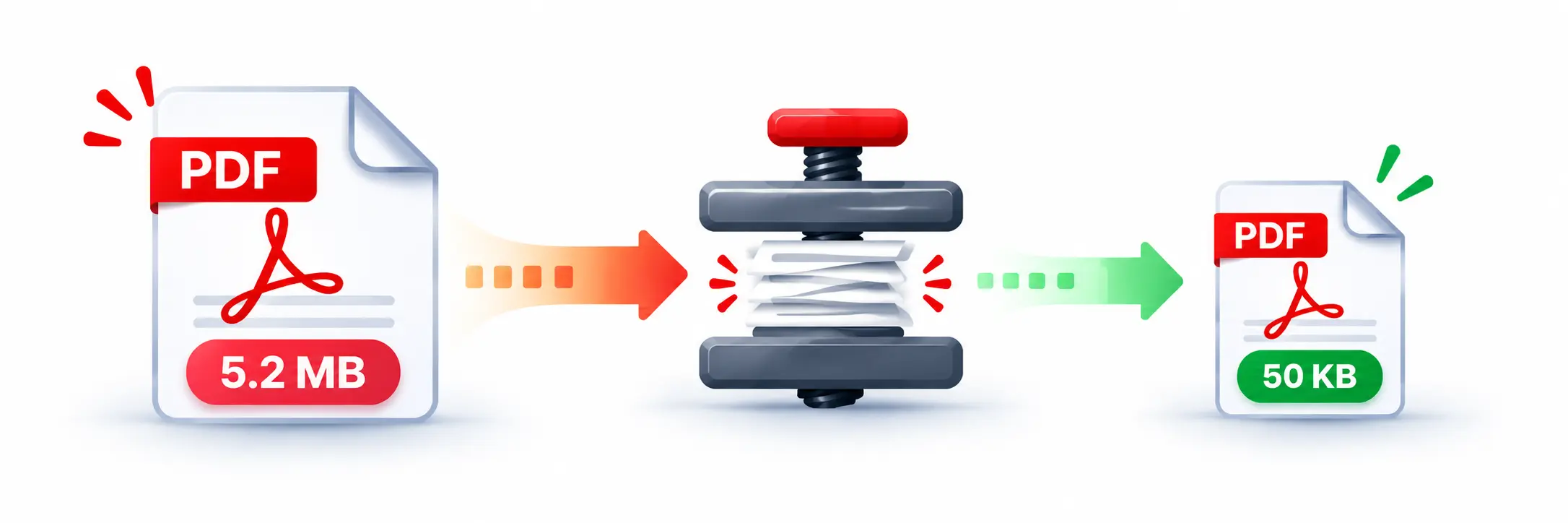
Need to reduce a large PDF for an online form, application, upload or document submission? Our Compress PDF to 50KB Online Free tool helps reduce PDF file size towards the 50KB target without requiring any software installation.
Compress PDF to 50KB Without Software
When a website requires a PDF under 50KB, reducing the file manually can be difficult. This online PDF compressor is designed specifically around a 50KB target. Upload your PDF, start compression and download the resulting file when processing is complete.
How to Compress PDF to 50KB?
Follow these simple steps to reduce your PDF size:
- Upload your PDF file using the upload area.
- Click the Compress to 50KB button.
- Wait while the PDF is processed.
- Check the original and compressed file sizes.
- Download the compressed PDF.
How Does the 50KB PDF Compressor Work?
The tool processes the pages of your PDF and tests different rendering scales and image-quality levels to find a smaller PDF. It prefers the largest result that stays at or below the 50KB target when possible. If reaching 50KB is not possible for a particular document, it uses the smallest available result above the target.
If your original PDF is already 50KB or smaller, the tool keeps the original file instead of unnecessarily processing it.
Can Every PDF Be Compressed Exactly to 50KB?
Not every PDF can be reduced to exactly 50KB while maintaining usable content. The final size depends on the number of pages, images, text and other information inside the original document. The compressor therefore aims for the 50KB target rather than promising an exact file size for every PDF.
Why Reduce a PDF to 50KB?
- Meet strict website upload limits.
- Submit documents on application portals.
- Make PDF attachments smaller.
- Save storage space.
- Share documents more easily.
- Reduce the size of scanned documents.
Features of Our 50KB PDF Compressor
- 50KB target compression
- Free online PDF compression
- PDF files up to 10MB can be uploaded
- Drag and drop support
- Shows original and compressed size
- Shows percentage size reduction
- Download the compressed PDF
- Share and reset options
Compress PDF to 50KB Online on Mobile
You can use the compressor from a smartphone, tablet or desktop browser. There is no separate application or desktop software required. Upload the PDF, compress it and download the result directly from your browser.
Other Useful PDF Tools
If you need to work with your PDF after compression, you can also use our PDF Merger to combine documents or our PDF Splitter to separate pages. For converting documents, try our JPG to PDF tool or PDF to JPG converter.
Frequently Asked Questions
Conclusion
If you need to compress PDF to 50KB online free, this tool provides a simple way to reduce your document toward the required size. Upload your PDF, start compression, check the resulting size and download the smaller file.