PDF Compressor to 200KB – Compress PDF File Online
Many online application forms, government portals, job applications, scholarship forms and other websites require documents to be uploaded within a specific file-size limit. If your PDF file is larger than the allowed limit, uploading it can become difficult. In such situations, a PDF Compressor to 200KB can be useful for reducing the file size while making the document easier to upload.
Our [PDF Compressor to 200KB] tool is designed to help you reduce a PDF file toward the 200KB target directly from your browser.
What Is a PDF Compressor to 200KB?
A PDF Compressor to 200KB is an online tool that reduces the size of a PDF document to approximately the required 200KB limit.
For example, if you have a PDF of 1 MB, 2 MB, 5 MB or another larger size and a website asks you to upload a PDF of up to 200KB, you can use the compressor to create a smaller version of the document.
The tool checks different compression settings to find a suitable PDF size. If the original PDF is already below 200KB, it can keep the file without unnecessary compression.
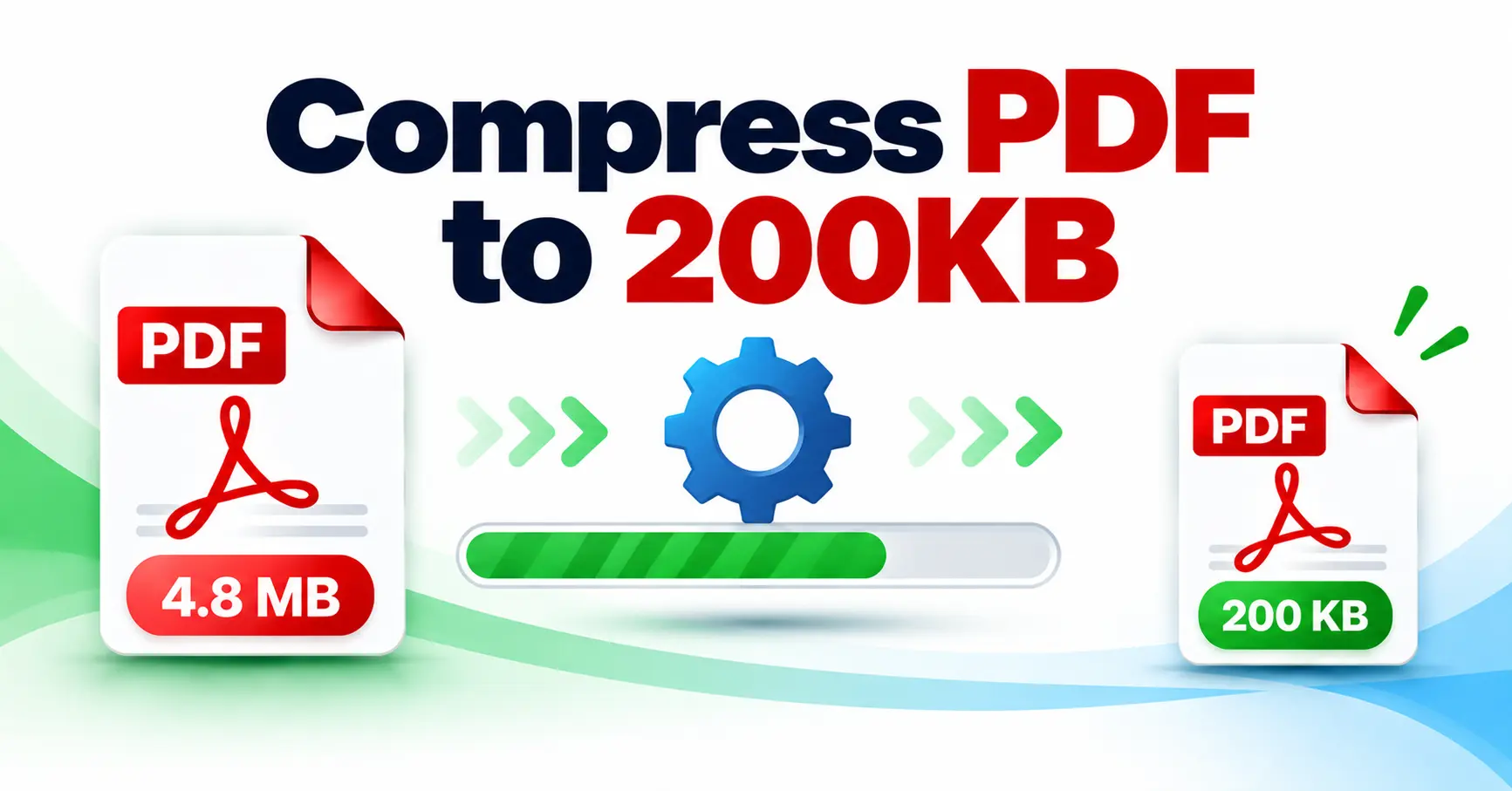
Compress PDF to 200KB Online
You can compress your PDF without installing additional software.
How to Compress a PDF to 200KB
Follow these simple steps:
-
Open the [PDF Compressor to 200KB] tool.
-
Click Browse Files or drag and drop your PDF into the upload area.
-
Select the PDF file you want to compress.
-
Click Compress to 200KB.
-
Wait while the tool processes your PDF.
-
After compression, check the original and compressed file sizes.
-
Click Download PDF to save the compressed file.
The tool accepts PDF files and currently allows files up to 10 MB.
Why Do You Need a 200KB PDF?
A smaller PDF can be helpful when an online form has a strict file-size requirement. Some common situations include:
-
Government application forms
-
Job application forms
-
Scholarship applications
-
College and university forms
-
Exam application forms
-
Online document submissions
-
Registration forms
-
Recruitment portals
-
Websites with limited upload sizes
If the website specifically asks for a PDF below 200KB, reducing the file size before uploading can save time and prevent upload errors.
Check Your PDF Size Before Uploading
Before compressing your document, you can check its current size after selecting it. The tool displays the PDF’s filename and file size after upload.
This makes it easier to understand how much the PDF needs to be reduced.
For example:
Original PDF: 1.50 MB
Target: 200KB
Compressed PDF: Depends on the content and compression settings
The result section also shows the original size, compressed size and percentage reduction after processing.
Can Every PDF Be Reduced Exactly to 200KB?
Not every PDF can always be compressed to exactly 200KB while maintaining the same quality.
PDFs can contain different types of content such as scanned pages, photographs, text, graphics and other elements. The final file size therefore depends on the content of the document.
Our tool tries multiple scale and quality combinations to find the best result around the 200KB target. It prefers a file that is under 200KB when possible. If that is not possible, it provides the best available size as a fallback.
See the Compression Result
Once the PDF has been processed, you can compare the original and compressed file sizes. The tool also calculates how much smaller the resulting PDF is.
You can then:
-
Download the compressed PDF
-
Share the compressed PDF
-
Reset the tool and compress another file
PDF Compression for Online Forms
If you are filling out an online form and the website says something like “PDF size should be less than 200KB”, first check the size of your document.
If your file is too large, use the [PDF Compressor to 200KB], select your PDF and start compression. After processing, check the resulting file size before uploading it to the application website.
Always check the specific website’s upload instructions because some portals may require a file size below 200KB rather than exactly 200KB.
Compress PDF Without Installing Software
One advantage of using an online PDF compressor is convenience. You do not need to install a separate PDF compression program just to reduce the size of one document.
The tool works through the browser and provides a simple upload interface with drag-and-drop support.
This can be especially convenient when you are working from a mobile phone, laptop or desktop computer.
Frequently Asked Questions
How can I compress a PDF to 200KB?
Open the [PDF Compressor to 200KB], upload your PDF and click Compress to 200KB. After processing, download the resulting PDF.
What is the maximum PDF size?
The current tool accepts PDF files up to 10 MB.
What happens if my PDF is already under 200KB?
If the uploaded PDF is already 200KB or smaller, the tool keeps the file without performing unnecessary compression.
Can I see the original and compressed file sizes?
Yes. The result displays both the original and compressed sizes along with the percentage reduction.
Can I download the compressed PDF?
Yes. After compression, you can use the Download PDF button to save the compressed file.
Can I compress another PDF?
Yes. You can reset the result and upload another PDF for compression.
Final Words
When an online form requires a small PDF file, reducing a large document can make the upload process much easier. The [PDF Compressor to 200KB] provides a simple way to upload a PDF, compress it toward the 200KB target, compare the file sizes and download the compressed document.
If you regularly need to submit documents on websites with strict file-size limits, bookmark the tool so you can quickly compress your PDF whenever required.