Drag & Drop Your PDF Here
or
Compress PDF to 200KB Online Free
Need a smaller PDF for an online form, document portal or email attachment? Our Compress PDF to 200KB tool helps reduce large PDF files to a more manageable size directly from your browser.
Free PDF Compressor to 200KB
PDF files can become large because of scanned pages, images and other document content. A smaller file is often easier to upload, share and store. This online PDF compressor is designed to reduce the document toward the 200KB target while keeping the file practical for normal use.
There is no need to install a desktop program. Simply select your PDF, run the compression and download the resulting document.
How to Compress PDF to 200KB?
Follow these simple steps:
- Upload the PDF file you want to reduce.
- Click the Compress to 200KB button.
- Wait while the document is processed.
- Check the original and compressed file sizes.
- Download the compressed PDF to your device.
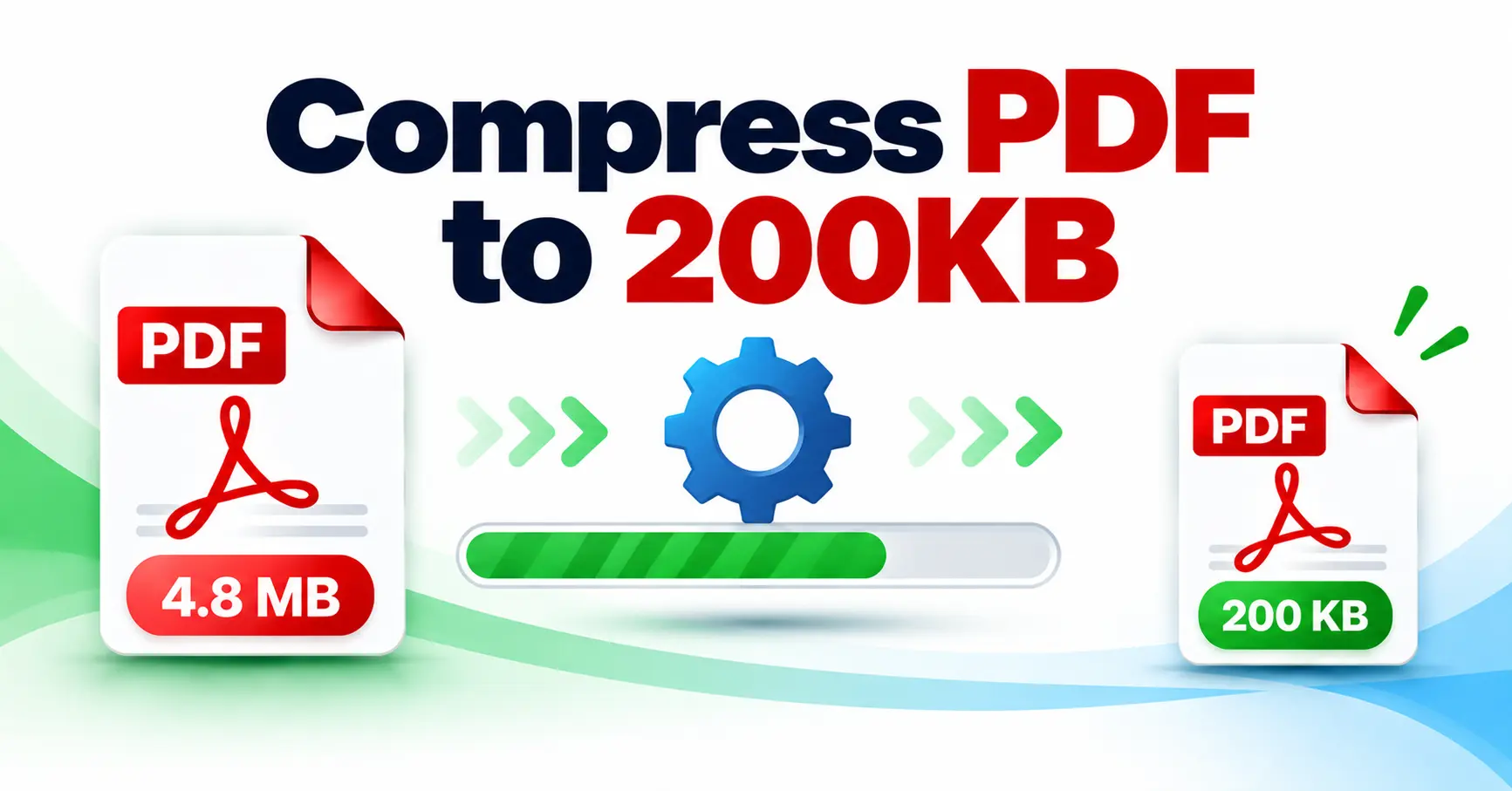
How Does the 200KB PDF Compressor Work?
The tool processes the pages of your document and tries different compression levels to find a suitable smaller version. It aims for a result at or below 200KB when the document can reasonably be reduced to that size.
The final size can vary depending on the number of pages, images, scans and complexity of the original PDF. This approach helps avoid using one fixed compression level for every document.
Why Reduce a PDF to 200KB?
Many websites and online services place limits on document uploads. Reducing a PDF to around 200KB can make it easier to submit files without repeated upload errors.
- Meet smaller document upload limits.
- Send lightweight PDF attachments by email.
- Save storage space on your device.
- Make documents quicker to upload and share.
- Prepare PDFs for online applications and forms.
Why Choose Our PDF Compressor?
- 200KB Target: Built specifically for reducing PDFs toward 200KB.
- Simple Process: Upload, compress and download without complicated settings.
- No Installation: Works directly through your web browser.
- Size Comparison: See the original and compressed file size after processing.
- Device Friendly: Use it from desktop, laptop, tablet or mobile browsers.
Compress PDF to 200KB Without Software
You do not need Photoshop, Acrobat or another desktop application for basic PDF size reduction. The compression process runs through the online tool, making it useful when you need a smaller document without installing additional software.
Useful Features
- Easy PDF upload and drag-and-drop support.
- Dedicated 200KB compression target.
- Original and compressed size display.
- Shows the percentage of file-size reduction.
- Download option after compression.
- Reset option for processing another document.
When Is a 200KB PDF Useful?
A 200KB PDF can be useful for application forms, certificates, scanned documents, identity documents, educational forms and other portals where small file sizes are preferred or required.
More PDF Tools
You can also use our PDF Merger to combine documents, PDF Splitter to separate pages, JPG to PDF Converter for image conversion, or PDF to JPG Converter when you need PDF pages as images.
Frequently Asked Questions
Conclusion
The Compress PDF to 200KB tool provides a straightforward way to reduce PDF file size for uploads, sharing and online submissions. Upload your document, let the tool process it and download the smaller PDF when it is ready.