Drag & Drop Your PDF Here
or
Compress PDF to 250KB Online
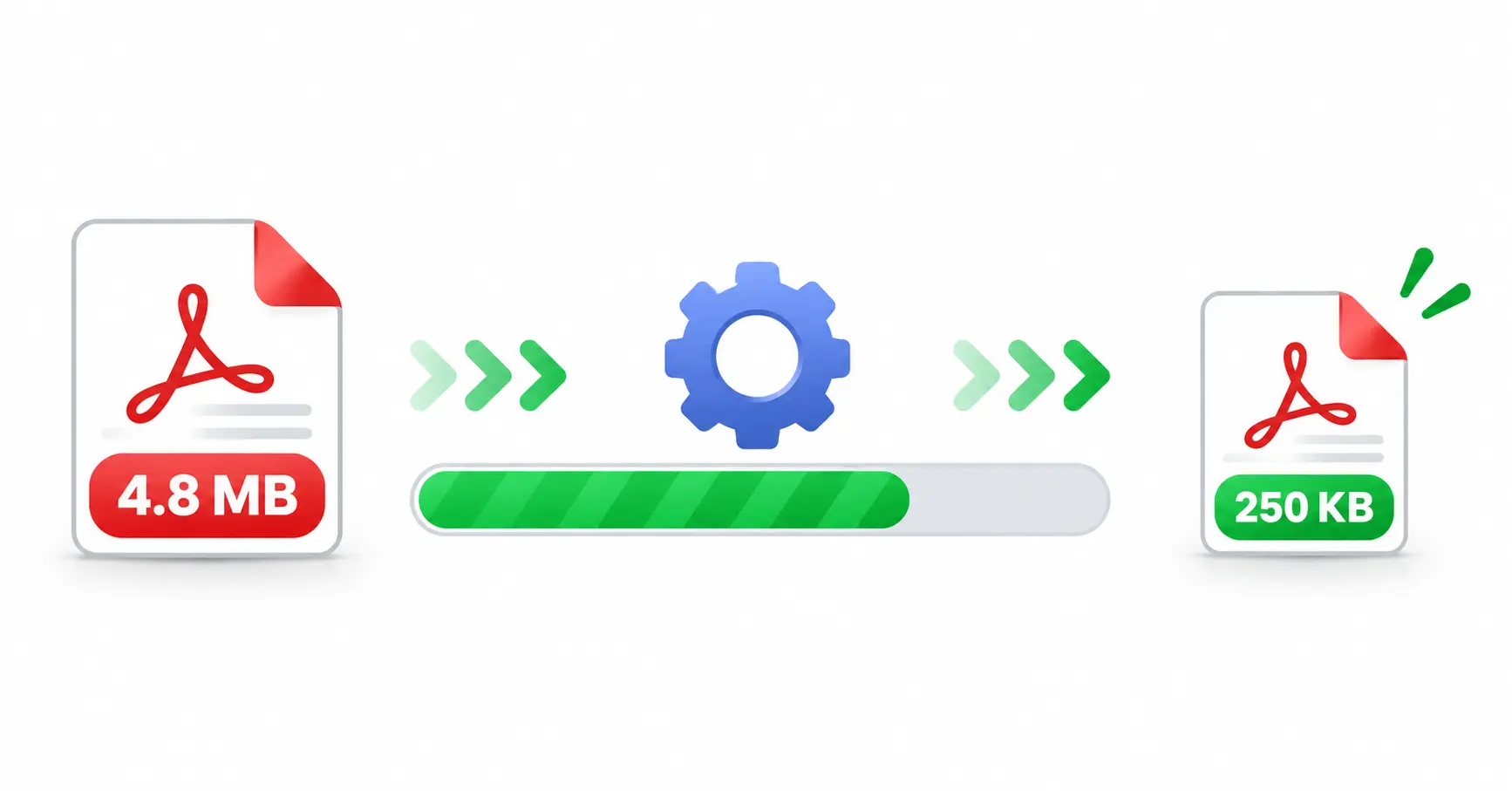
Need to make a PDF file smaller? Our Compress PDF to 250KB tool gives you a simple way to reduce your PDF size online. Upload your document, compress it and download the smaller PDF.
Free PDF Compressor to 250KB
Large PDF files can be difficult to upload, share or send. Compressing a document can make it smaller and easier to use, especially when a website has a file-size limit.
This online tool is made for users who want a quick and simple way to compress a PDF toward the 250KB target without installing extra software.
How to Compress PDF to 250KB?
Compressing your PDF is easy. Just follow these steps:
- Select or drag and drop your PDF file.
- Click the Compress to 250KB button.
- Wait while your PDF is processed.
- Check the new file size.
- Download your compressed PDF.
Why Compress PDF to 250KB?
A smaller PDF is easier to upload and share. If an application or website has a small file-size requirement, reducing your document can help you prepare it for submission.
- Reduce large PDF file size.
- Make documents easier to upload.
- Share PDFs more conveniently.
- Save storage space.
- Prepare files for online forms.
Why Choose Our PDF Compressor?
- Easy to Use: Simple upload and compression process.
- 250KB Target: Designed to reduce PDFs toward 250KB.
- No Installation: Use it directly in your browser.
- Size Comparison: See original and compressed sizes.
- Quick Download: Download the processed PDF easily.
Compress PDF Without Software
You do not need to install a separate PDF program just to reduce your file size. Open the tool in your browser, upload your PDF and start compression. It works on computers as well as modern mobile browsers.
Features of the 250KB PDF Compressor
- PDF file upload support.
- 250KB compression target.
- Drag-and-drop upload.
- Original and compressed size display.
- Percentage reduction display.
- Download compressed PDF.
- Reset and process another file.
Who Can Use This Tool?
This PDF compressor can be useful for students, job applicants, office workers, businesses and anyone who needs to reduce a PDF before uploading or sharing it online.
More Useful PDF Tools
Need more PDF tools? Try our PDF Merger, PDF Splitter, JPG to PDF Converter and PDF to JPG Converter.
Frequently Asked Questions
Conclusion
The Compress PDF to 250KB tool makes PDF size reduction simple. Upload your document, start compression and download the smaller PDF when it is ready. It is useful for online applications, uploads, sharing and everyday document management.