Drag & Drop Your Image Here
or
Compress Image to 50KB Online
Compress Image to 50KB is a simple online solution for reducing large image files to a much smaller size. Upload your image, start compression, preview the result and download the compressed JPG without installing any software.
Free Image Compressor to 50KB
Large images can be difficult to upload when a website, application or online form has a strict file-size limit. Our image compressor helps reduce image size while creating a compact JPG file that is easier to upload, store and share.
The tool accepts common image formats including JPG, PNG and WEBP, with a maximum upload size of 100 MB. The compressed result is generated as a JPG image.
How to Compress Image to 50KB?
How Does the 50KB Image Compressor Work?
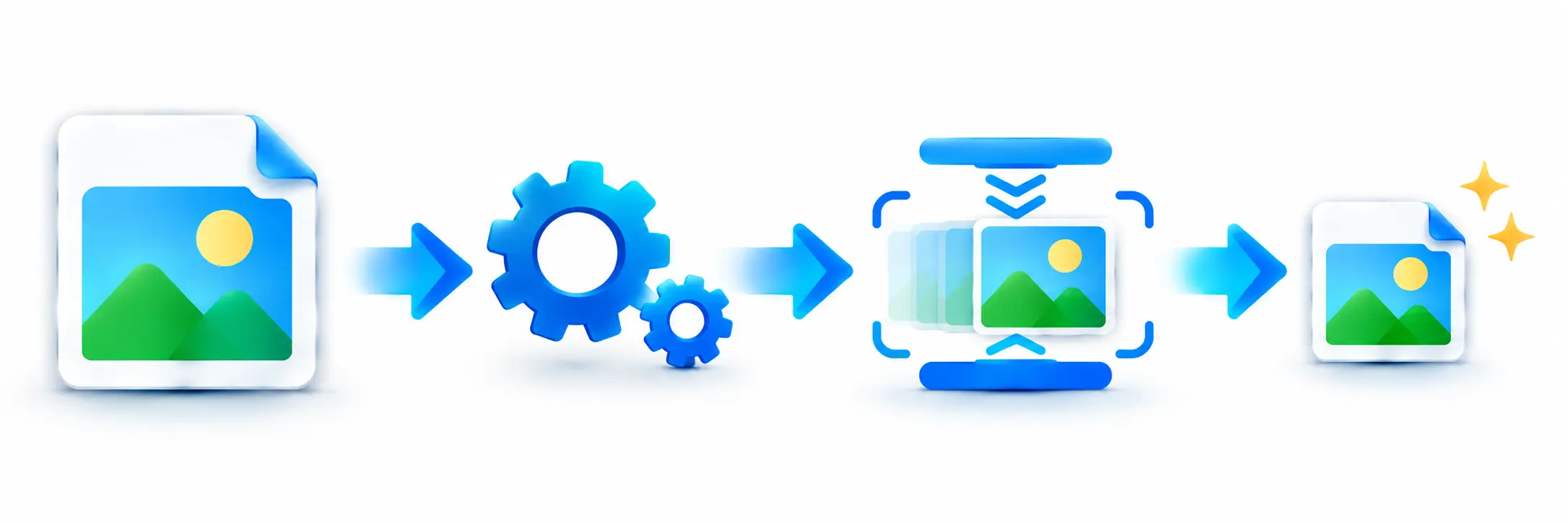
The compressor processes your uploaded image by adjusting its dimensions and JPEG quality to find a result below the 50KB target. It checks different image sizes and quality levels and selects the largest suitable result under the target whenever possible.
This approach helps reduce the file size while keeping the image as usable as possible. The tool also converts the final compressed image into JPG format for download.
Can an Image Be Compressed Exactly to 50KB?
The tool is designed to produce a compressed image under the 50KB target rather than promising an exact file size of 50KB. Because image dimensions, content and compression characteristics differ, the final file size can be slightly below the target.
The compressor searches for a suitable result close to the target and displays both the original and compressed file sizes after processing.
Why Choose Our 50KB Image Compressor?
Our tool keeps the process simple and focuses on the file-size requirement. You can upload a supported image, compress it to under 50KB, preview the result and download the finished JPG from the same page.
- Designed specifically for the 50KB target
- Supports JPG, PNG and WEBP images
- Handles images up to 100MB
- Provides a compressed-image preview
- Shows original and compressed file sizes
- Easy download and sharing options
- No image-editing software required
Why Compress an Image to 50KB?
Many online applications and websites require images to stay below a specific file-size limit. Reducing an image to around 50KB can make it easier to meet such requirements and upload files without repeatedly resizing them manually.
- Meet strict image upload limits.
- Reduce storage requirements.
- Share smaller image files more easily.
- Prepare images for online applications.
- Make large images easier to handle.
Compress Image to 50KB Without Software
You do not need Photoshop or another desktop image editor for basic image compression. The online compressor works directly in your browser, making it convenient when you need a smaller image quickly.
Simply upload your image and let the compressor handle the resizing and JPEG quality adjustments automatically.
Compress Images on Mobile
The online format makes the tool convenient for smartphones and tablets as well as desktop computers. You can upload an image from your device, compress it and download the smaller JPG file directly through your browser.
Who Can Use This 50KB Image Compressor?
Students, job applicants, bloggers, website owners, designers, office users and anyone dealing with image upload limits can use this tool when they need a smaller image file.
Features of the Compress Image to 50KB Tool
- 50KB target compression
- JPG, PNG and WEBP input support
- Maximum 100MB input size
- Automatic image resizing
- JPEG quality optimization
- Compressed image preview
- Original and compressed size comparison
- Download compressed JPG
- Share compressed image
- Reset and compress another image
Frequently Asked Questions
Conclusion
Compressing an image to 50KB becomes simple when the resizing and quality adjustments are handled automatically. With this online image compressor, you can upload a supported image, reduce it below the 50KB target, preview the result and download the smaller JPG file in just a few steps.