Drag & Drop Your Image Here
or
Compress Image to 20KB Online
When an image needs to fit within a very small upload limit, reducing it to a few hundred kilobytes may not be enough. Our Compress Image to 20KB tool is designed for situations where you need a much smaller image file. Upload your image, start compression, check the result, and download the compressed JPG directly.
Free Image Compressor for 20KB
A strict file-size limit can make image uploads frustrating, especially for online applications, registration forms, profiles and other services. This compressor gives you a simple way to work toward a 20KB image without opening a desktop editing program.
The tool accepts common image uploads including JPG, PNG and WEBP, with a maximum input size of 100MB. :contentReference[oaicite:2]{index=2}
How to Compress an Image to 20KB?
- Choose the image you want to reduce.
- Upload it using the file selector or drag-and-drop area.
- Click Compress to 20KB.
- Wait while the image is processed.
- Review the compressed size and download the JPG.
How Does the 20KB Image Compressor Work?
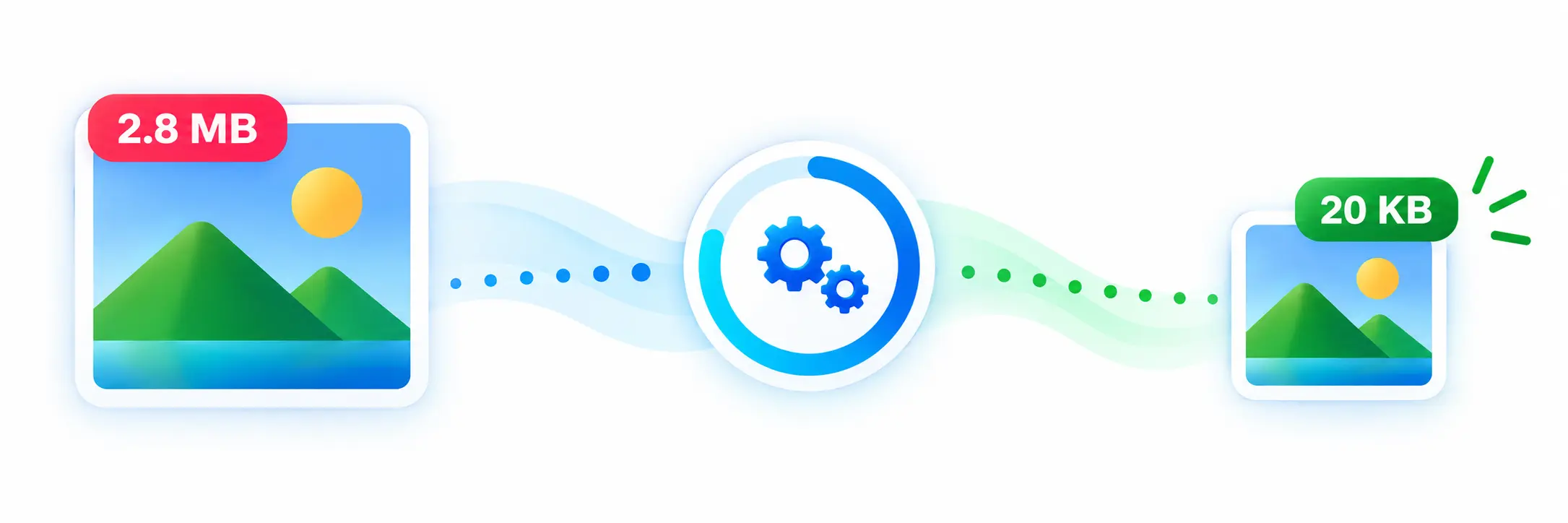
The compressor works toward an under 20KB result rather than simply applying one fixed quality setting. It tests different image scales and JPEG quality levels to find the largest suitable result that stays below the target.
For very small file-size targets, reducing image dimensions can be important because quality alone may not produce a sufficiently small file. The tool therefore checks multiple scales, including very small sizes, before selecting a suitable result. :contentReference[oaicite:3]{index=3}
Why Reduce an Image to 20KB?
Why Choose Our 20KB Image Compressor?
The main advantage is simplicity. You do not have to manually guess image dimensions or repeatedly change JPEG quality settings. The compressor automatically works through different combinations to find a suitable result close to the 20KB limit.
After compression, the tool displays the original size, compressed size and percentage reduction so you can quickly check what changed. :contentReference[oaicite:5]{index=5}
Compress JPG, PNG and WEBP Images
You can start with a JPG, PNG or WEBP image. The final compressed file is created as a JPG, which is useful when you need a small, widely supported image format. The compression process also places the image on a white background before creating the JPEG output, so transparent areas may not remain transparent.
Compress Image to 20KB Without Software
There is no need to install a dedicated photo editor just to reduce an image file size. The complete workflow is available in the browser: upload the image, process it, preview the result and download the compressed file.
Useful Image Tools
If you need to change the dimensions of an image before or after compression, you can use our Image Resizer. For changing an image format, you can also try our PNG to JPG Converter.
Features of the 20KB Image Compressor
- 20KB target compression.
- Works toward an image size under 20KB.
- Supports JPG, PNG and WEBP uploads.
- Maximum upload size of 100MB.
- Automatic image scaling and JPEG quality adjustment.
- Shows original and compressed sizes.
- Displays the percentage of size reduction.
- Provides a preview of the compressed image.
- Download the result as a JPG file.
- Simple browser-based workflow.
Can Every Image Become 20KB?
Not every image will look the same after being reduced to such a small size. A simple image with fewer details may remain more recognizable than a highly detailed photograph. The tool prioritizes reaching the small file-size target, so some images may require substantial dimension or quality reduction.
Frequently Asked Questions
Conclusion
When an online service requires a very small image, Compress Image to 20KB can make the preparation process much easier. Instead of manually testing different dimensions and quality settings, the tool works toward the 20KB target and provides a preview, size comparison and download option in one place.